Datplan help
Schedule repeatable source pulls and local exports
A schedule belongs to one workspace, source and connection. Choose the frequency, the export format and the stable folder that downstream reports expect.
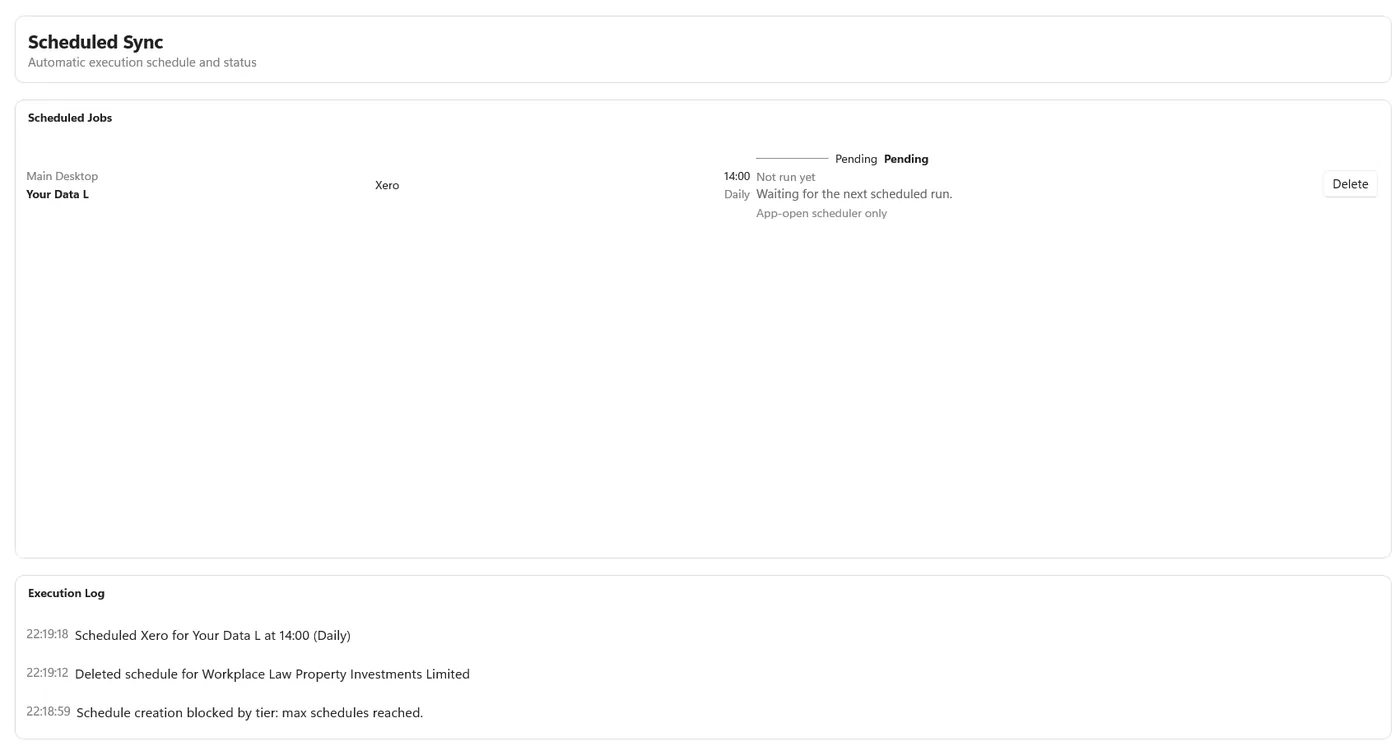
Create a schedule
- Choose the connectionSelect the workspace, source and connected account.
- Choose when it runsSelect once, daily, weekly or monthly and set the required time.
- Choose the outputSelect CSV, JSON or both, and raw API data, star-schema tables or both.
- Choose a stable folderUse a folder that will exist and remain accessible when the job runs.
- Save and verifyReview the next-run time and inspect the first execution result.
Two execution modes
Choose how the Windows app becomes available
Windows Task Scheduler
Use this when Windows should open Datplan for a scheduled job. The machine, user context and application still need to be able to run at the scheduled time.
While the app is open
Use the in-app option when Datplan will remain open. If the application is closed or the PC sleeps, the job cannot run through this mode.
Scheduler questions
Plan for the Windows and file dependencies
Which schedule frequencies are available?
A schedule can run once, daily, weekly or monthly, subject to source-plan access and limits.
Does the app need to be open?
You can use Windows Task Scheduler so Windows opens Datplan for the job, or use app-open scheduling while Datplan remains running. The PC, user session and required folder still need to be available.
What can a scheduled job export?
Choose CSV, JSON or both, and choose raw API data, star-schema tables or both where the selected source and plan support those outputs.
What can stop a scheduled pull?
Expired source access, a connection that needs authorisation, a reached Datplan or provider limit, another active run, unavailable network or source service, an unavailable export folder, or a Windows scheduling issue.
See Datplan with real reporting data—without connecting a live account
The Windows app is free to download and includes Datplan Demo data, so you can test sync, dashboards, reporting grains and exports first.