Free Windows download
Install Datplan DataPull from Microsoft Store
The app and Datplan Demo source are free. Live source access is selected and purchased separately inside the signed-in application.
- Windows 10 or later
- Demo data included
- No website checkout
Install safely
What happens after download
- Microsoft Store installs the appUse the Store listing linked from this page.
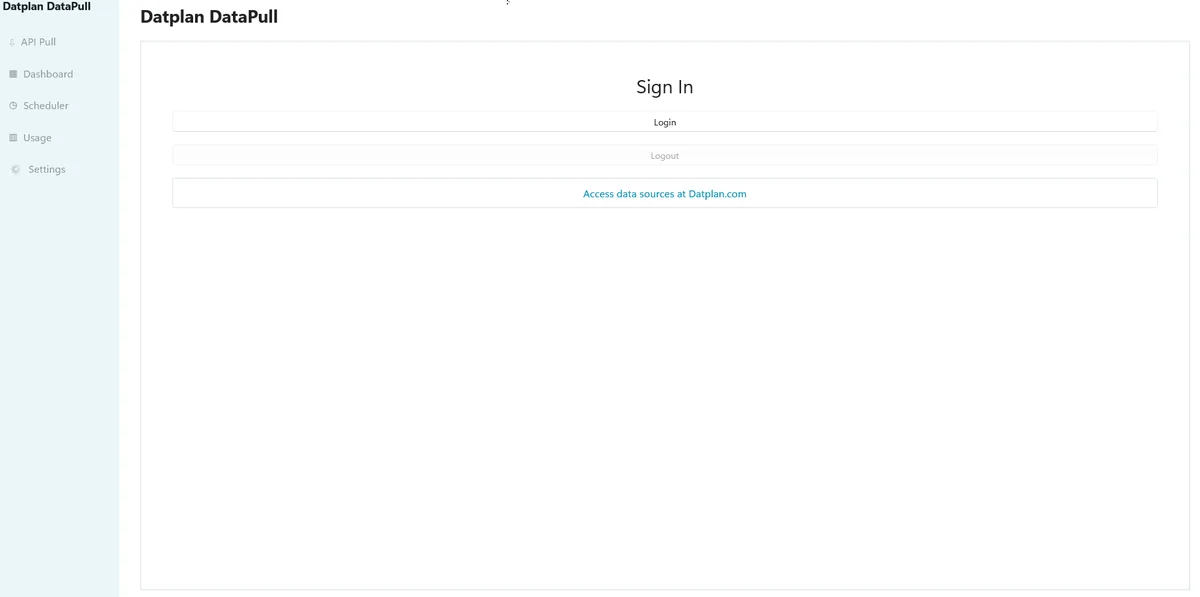
- Sign in to DatplanYour sign-in supports source access, plan and usage controls.
- Start with Datplan DemoTest the dashboard and export workflow without a live connection.
- Add a live source when readyChoose the source and plan inside the app, then complete the supported provider-authorisation or local-source setup.
Do not download Datplan from an unofficial installer page. Use Microsoft Store from the button above. Datplan does not ask for provider passwords on this website.
Download questions
Before you install
Where do I download Datplan?
Datplan DataPull is distributed through Microsoft Store for Windows.
What Windows version is required?
The current app targets Windows 10 or later. Keep Windows and Microsoft Store up to date before installation.
Do I need to buy a source plan immediately?
No. Download the app and use Datplan Demo first. Purchase a live source plan inside the signed-in app only when you are ready to connect a supported source.
Download first. Decide on a live source later.
Use the included demo data to verify the workflow on your Windows PC.