Invoice Summary
One row per demo invoice header. Test invoice total by month, status, currency or customer region.
No live connection required
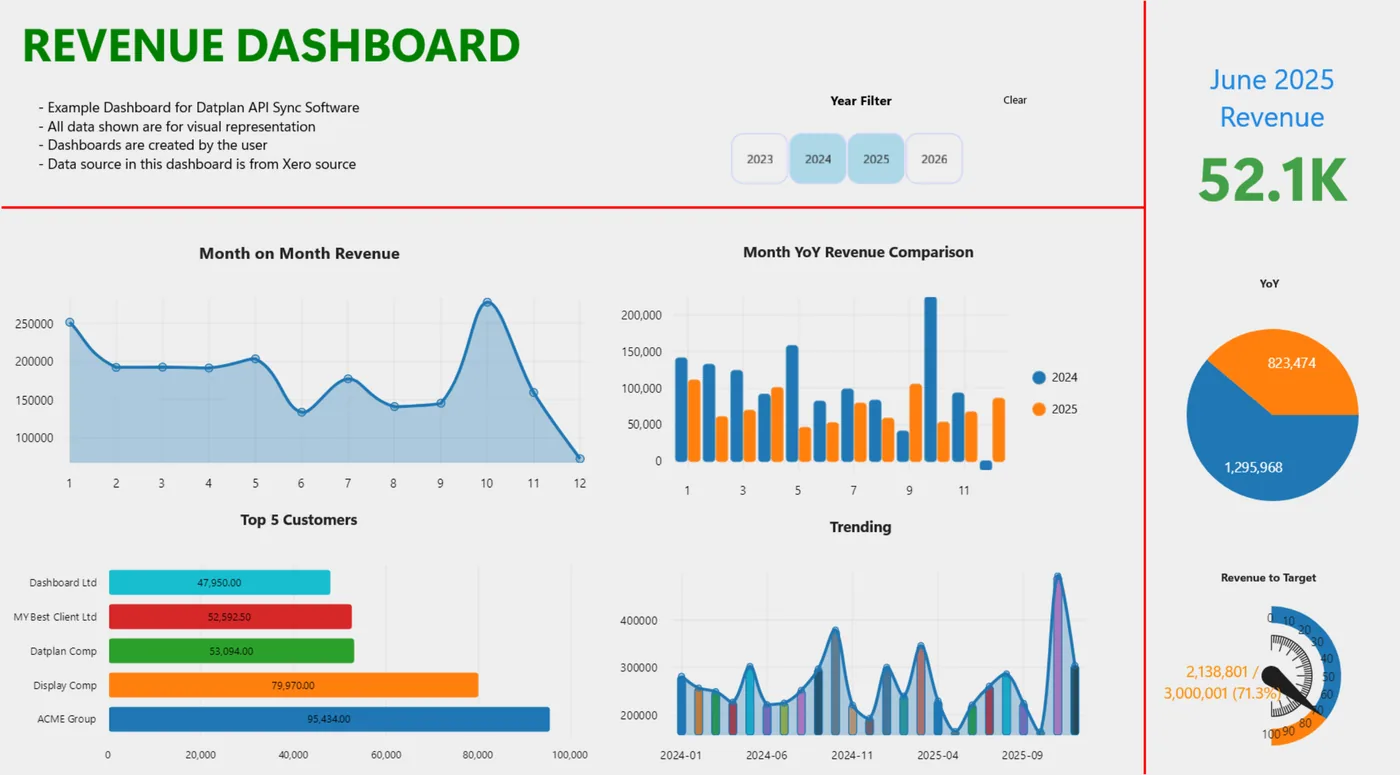
Install the free Windows app, select Datplan Demo and practise syncing, choosing a grain, building a dashboard and exporting reporting files without using customer data.
Five practice grains
The same question can produce the wrong result when it uses the wrong row grain. The demo makes that distinction visible.
One row per demo invoice header. Test invoice total by month, status, currency or customer region.
One row per invoice line. Test net value by product and average unit price by category.
One row per demo payment. Test payment amount by month or method.
One row per demo bank transaction. Test transaction amount by account or type.
One row per demo journal line. Test debit, credit and movement by account and date.
First ten minutes
Demo questions
No. The app download and supplied demo source are free, so you can learn the workflow before purchasing live source access.
No. It is supplied practice data designed to demonstrate sync, grains, charts and exports without connecting a live account.
The demo includes invoice summaries, invoice lines, payments, bank transactions and journal lines, with related customer, product and account fields for reporting.
The free download includes everything needed to explore the Datplan Demo workflow.