Build your own in Power BI
Use the prepared TallyPrime reporting files for your own Power BI models and dashboards. Configure Power BI publishing, licensing and client access separately.
Explore the Power BI route →Live Windows source · Browser reporting suite available
BI-ready data. 31 ready-made browser reporting views.
Datplan is a TallyPrime data extractor for Windows. It transforms financial data into structured tables for Excel and BI tools. It also supplies 31 ready-made browser reports with layouts and calculations included.
TallyPrime plans from ₹7,999 for 12 months. Pay once in INR. Compare Solo, Growth, Pro and Heavy annual plans.
TallyPrime must be running with the correct company loaded for a new data pull. Completed reports can be viewed in the browser afterwards.
Product scope reviewed 16 October 2026
TallyPrime · client reporting videos
Make recurring reporting part of your client service. Prepare TallyPrime reporting data with Datplan, then choose how you deliver the dashboard.
Use the prepared TallyPrime reporting files for your own Power BI models and dashboards. Configure Power BI publishing, licensing and client access separately.
Explore the Power BI route →Schedule the reporting output, share the client’s dedicated OneDrive or SharePoint folder and hand over the TallyPrime dashboard address and connection key.
Open the TallyPrime dashboard →The videos below demonstrate the Datplan TallyPrime reporting suite. Power BI is an alternative delivery route using your own separately configured reports.
Offer clients a recurring reporting service with Datplan’s TallyPrime browser reporting suite.
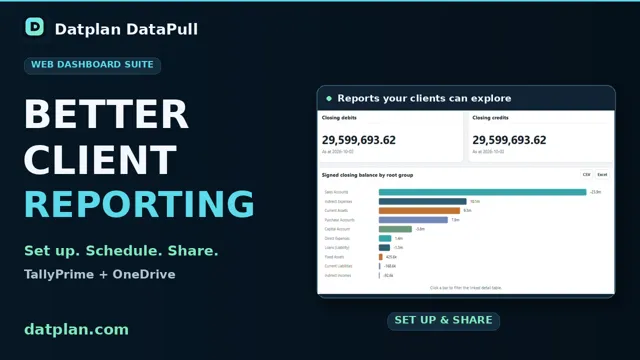 Play · 32 seconds
Follow the TallyPrime company and OneDrive export setup, schedule, Microsoft folder sharing, dashboard connection, language, colours and connection-key hand-off.
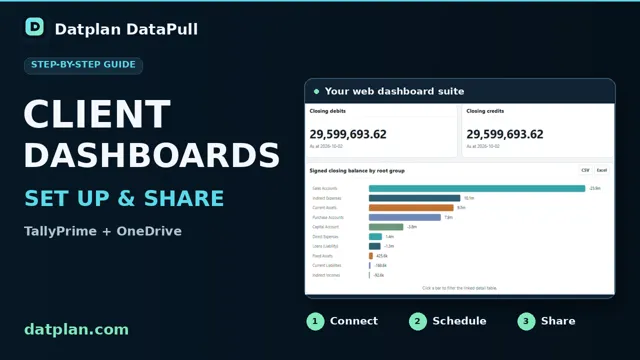 Play · 4:48
For clients who already have Microsoft access to the reporting folder: open the TallyPrime dashboard link and use the connection key supplied by your adviser.
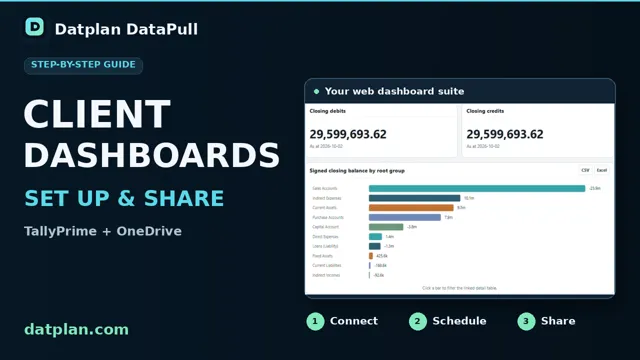 Play · 45 seconds
Export to, share and connect the same dedicated company folder. Microsoft permissions control who can read it; the connection key identifies the folder and does not grant access. The tutorial’s sharing and connection scenes use separate recorded examples; invitation delivery and a distinct client sign-in are not shown. Scheduled refresh depends on the configured DataPull run completing and Microsoft syncing the published files.
These recordings use demonstration data and AI-generated narration. Read the client-dashboard setup instructions.
हिन्दी · 30 seconds
Watch the Hindi overview for accountants and finance teams. The charts use synthetic demonstration data.
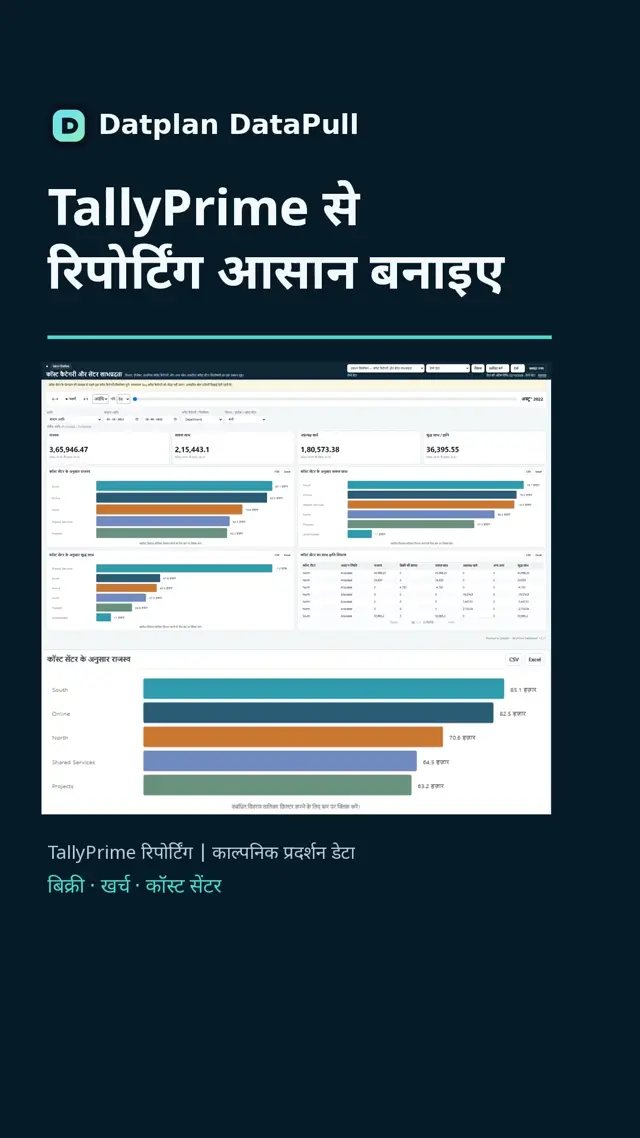 Play the Hindi TallyPrime overview
Less preparation. Clearer reporting.
When the same export, cleanup and table-matching work repeats each reporting period, getting to the analysis takes longer than it should.
Need Tally data in Power Query without assembling another set of Excel files? Datplan can prepare repeatable reporting files locally and write them to a stable folder for downstream use.
A list of tables is not a usable model. You need to know what each row represents, which keys connect and which amounts can be added together.
P&L, balance-sheet and sales analysis need the right source data and accounting mappings. Start with an understandable reporting structure, then validate the finished report.
One local reporting workflow
Retrieve supported TallyPrime data through the local integration workflow instead of repeatedly assembling reporting inputs by hand. Keep the prepared source and reporting copy in the Windows environment you control.
Organise supported data into reporting tables with clear row-level detail and relationships. Use the same prepared layer with Power BI, Qlik or Tableau, or keep reporting in Datplan.
Datplan provides the prepared reporting layer and browser dashboards; it is not a native DirectQuery/ODBC connector and does not automatically build every custom Power BI, Qlik or Tableau model.
Why the schema matters
A star schema separates the activity you analyse from the context you filter by. Facts hold activity or amounts; dimensions provide context such as dates or accounts. Microsoft’s Power BI modelling guidance emphasises appropriate relationships and consistent detail within a fact table.
For example, summing a voucher total once for every voucher line would count the same total repeatedly. Understanding the table’s detail and relationships helps you choose the correct amounts for a measure.
The Datplan Tally reporting schema keeps different accounting grains visible so voucher, ledger, inventory and provider-report values are not silently treated as one fact table.
See Datplan’s existing BI-export approach →Tally integration questions
Use Datplan on Windows to pull the supported TallyPrime records and prepare reporting tables. Export those tables as CSV files that Excel can import, rather than rebuilding separate manual exports each period. Choose the correct reporting grain and reconcile the figures against TallyPrime. Datplan extracts and prepares data; it does not write changes back into TallyPrime.
Yes, within the selected plan’s schedule and data allowances. The Windows PC and TallyPrime must be available, with the correct company loaded and a writable export folder. Power BI refresh is a separate step after the files are prepared. Previously completed browser reports remain viewable without keeping TallyPrime open.
Yes. Tally documents XML-over-HTTP integration and native JSON data exchange from TallyPrime 7.0. These are Tally capabilities, not a promise that every Tally customisation or field is supported by Datplan. Use the supported DataPull/Tally setup and validate the required reporting population.
Tally’s XML integration prerequisites require TallyPrime to be running and a company to be loaded. Do not assume that a desktop pull can access a closed Tally installation. Datplan still requires the local TallyPrime service and intended company to be available when a pull runs.
The Datplan route is TallyPrime data pulls, prepared reporting tables, then your chosen reporting surface. Datplan is not a native Power Query connector, an ODBC driver or DirectQuery access to Tally.
Datplan supplies 31 ready-made TallyPrime browser reports with layouts, KPIs and calculations already built. Connect completed supported DataPull reporting files to use that suite. The optional Power BI route is separate: supported exports can include a customer-data-free Power BI Project (.pbip) with reviewed relationships and starter measures. Any custom Power BI layout or mapping belongs to that optional route; check accounting results against the source for either route.
Updating data files and refreshing a Power BI model are separate steps. Datplan’s existing BI-export workflow prepares files; Power BI reads those files through its configured connection and refresh process. A scheduled Datplan job still depends on the Windows PC, TallyPrime/company availability, plan allowance and output folder. Power BI, Qlik or Tableau refresh remains a separate stage.
Datplan does not claim support for every Tally installation, custom field or report. Confirm the installed TallyPrime version and the exact reporting population required, then validate the resulting data before operational use.
Yes. TallyPrime is a live Datplan Windows source. Download the current Microsoft Store release, then use the signed-in app to review source access and current commercial options.
Current scope: these benefits apply to supported TallyPrime data that has been successfully pulled and prepared by Datplan. Source availability, scheduling and export behaviour still depend on the installed setup, plan and successful run.
The compatible Datplan export already separates financial periods, vouchers, documents, ledger lines and cost-centre contributions. For a standard view already covered, this can reduce the need for a separate data architect to design those reporting tables from scratch.
The 31-view Tally browser suite includes management, financial and operational reporting plus seven audit-screening families. Where these views meet the requirement, avoid commissioning the same charts and test calculations again.
A local export or permitted network folder can support reporting on a device that can read it. The existing OneDrive/SharePoint workflow supports authorised browser sharing without a separate Datplan-hosted reporting database.
A repeatable compatible pull and export can reduce manual exports, cleanup and file replacement. New Tally data still requires a successful source pull and completed export; browser Refresh only rereads the files.
A permitted client can revisit the published dashboard and use its filters. English/Hindi interface labels can also reduce the need to explain each reporting heading; they do not translate the underlying business records.
Screening views and evidence tables help identify records for closer review instead of rebuilding the same tests manually. They do not prove fraud, guarantee detection or establish money recovered or losses prevented.
Budget for Datplan, source-system licensing, any additional storage or Microsoft licences, a suitable Windows device, support and initial setup. OneDrive is cloud storage—not a no-cloud arrangement—and existing storage rights, quotas and permissions still apply. Custom accounting mappings, consolidation, a bespoke Power BI model and professional review may still need an accountant, data architect or BI specialist.
Measure the saving: record time spent before and after on the same reporting task. Four hours released in a month means four hours available for other work; it becomes cash saved only if an actual payment or other expenditure is reduced. Subtract new costs and do not count the same hours under several headings. Datplan does not replace Tally backups or the accounting application.
Review the available Tally dashboard views · See the complete cost comparison
Storage and BI terms: Microsoft OneDrive sharing · Power BI licence requirements. Existing subscriptions, storage quotas and organisational policies still apply.
Share your reporting requirement
Tell us your TallyPrime version, the report you want to build and the step you currently handle manually. Whether it is a sales register, ledger review, P&L or balance-sheet model, your requirement helps us understand the work that matters.
Please do not send passwords, accounting records or a company backup with an initial enquiry. This is an email enquiry, not an automatic mailing-list signup or a change to source access.
This page and the hosted Tally dashboard interface have Hindi labels. This does not announce a fully Hindi Windows application or a Hindi-language support service. Source business records remain unchanged.
These references describe Tally integration and Power BI modelling concepts; Datplan’s supported implementation remains defined by the current DataPull release and source contract.
Read the 2026 TallyPrime to Power BI integration-options guide →
The browser dashboard suite is available for completed supported Datplan TallyPrime exports. It has 31 views, with English/Hindi interface labels, eight chart palettes and seven audit-screening families.
Open TallyPrime sample dashboards Read the viewer guide
| Reporting area | Dashboard views |
|---|---|
| Financial Performance | Executive Financial Performance; Profitability & Margins; Revenue & Cost Trend; Expense Analysis; P&L Account Analysis |
| Management Analysis | Cost Category & Centre Profitability |
| Financial Position | Financial Position Overview; Assets & Working Capital; Liabilities, Funding & Equity; Trial Balance |
| Cash & Bank | Cash & Bank Movement; Cash / Bank Account Activity |
| Receivables | Receivables Overview & Ageing; Receivables by Due Date |
| Payables | Payables Overview & Ageing; Payables by Due Date |
| Sales | Sales Overview; Customer Sales Analysis; Product / Item Sales |
| Purchases | Purchases Overview; Supplier Purchase Analysis; Product / Item Purchases |
| Inventory | Inventory Position; Inventory Movements; Godown / Warehouse Movements |
| Audit Analytics | Audit Screening Overview; Duplicate & Reversing Entry Review; Benford & Counterparty Review |
| Controls & Reconciliation | Reconciliation & Data Quality; Voucher & Ledger Review; Full General Ledger |
Compare financial values with Tally for the same company and period. Cost categories are parallel analyses, not additive company totals. Due-Date and Godown movement views need their specific source fields and tables. Missing inputs are reported as unavailable rather than fabricated zero balances.
The viewer reads prepared Datplan reporting files; it does not turn a generic Tally Excel export into the Datplan model. Confirm the selected company, reporting period and successful DataPull run before relying on the browser output. A published viewer does not prove a particular Tally installation, customisation or export is compatible.
The Hindi preference translates the interface, not source records or reporting currency. Microsoft remains the access authority for shared folders; a connection key identifies the folder and does not grant permission.
Yes. Datplan supplies 31 ready-made TallyPrime browser reporting views with layouts, KPIs, charts and calculations. Prepare supported reporting files using DataPull on Windows, then open the suite. You do not need to build a Power BI model or design these browser reports.
TallyPrime must be running with the intended company loaded for a fresh data pull. Viewing previously completed DataPull reporting files does not itself pull from TallyPrime and does not require TallyPrime to remain open. The report reflects the last completed data; newer transactions appear only after a successful new pull and file refresh.
Yes. Publish completed reporting files to an authorised OneDrive or SharePoint folder, grant the client Microsoft folder access, and share the Datplan dashboard link and connection key. The reports run in the browser on desktop, tablet or phone. Microsoft permissions remain required; the key identifies the folder and does not grant permission.
Monthly data allowances: Solo 2 GiB, Growth 5 GiB, Pro 15 GiB and Heavy 30 GiB. Every tier includes scheduling; Solo supports one saved schedule with a daily minimum. See company, pull and scheduling limits.